
Hours worked
यह पेज अभी हिंदी में उपलब्ध नहीं है, इसलिए अंग्रेज़ी में दिखाया गया है।
Employees → Work History shows who worked and for how long each week, from their clock-ins.
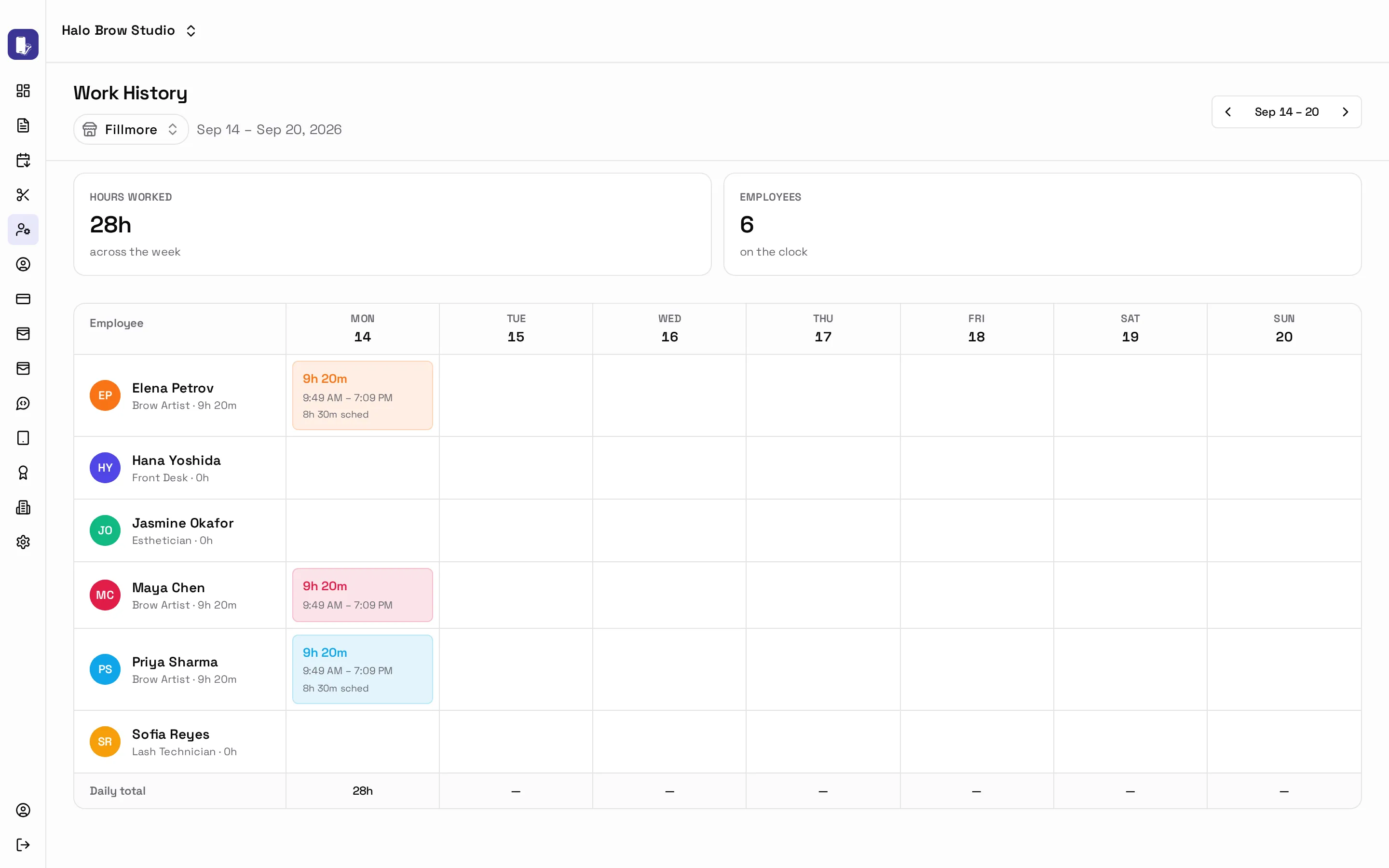
Fix a missed clock-out
Section titled “Fix a missed clock-out”- Click the person’s day.
- Change the Clock in or Clock out time, or press Add entry for a shift they forgot to clock.
- Type a reason: for example “forgot to clock out”. A reason is required so changes are on record.
Staff clock in from their phone. See Employee app.