
The employee app
यह पेज अभी हिंदी में उपलब्ध नहीं है, इसलिए अंग्रेज़ी में दिखाया गया है।
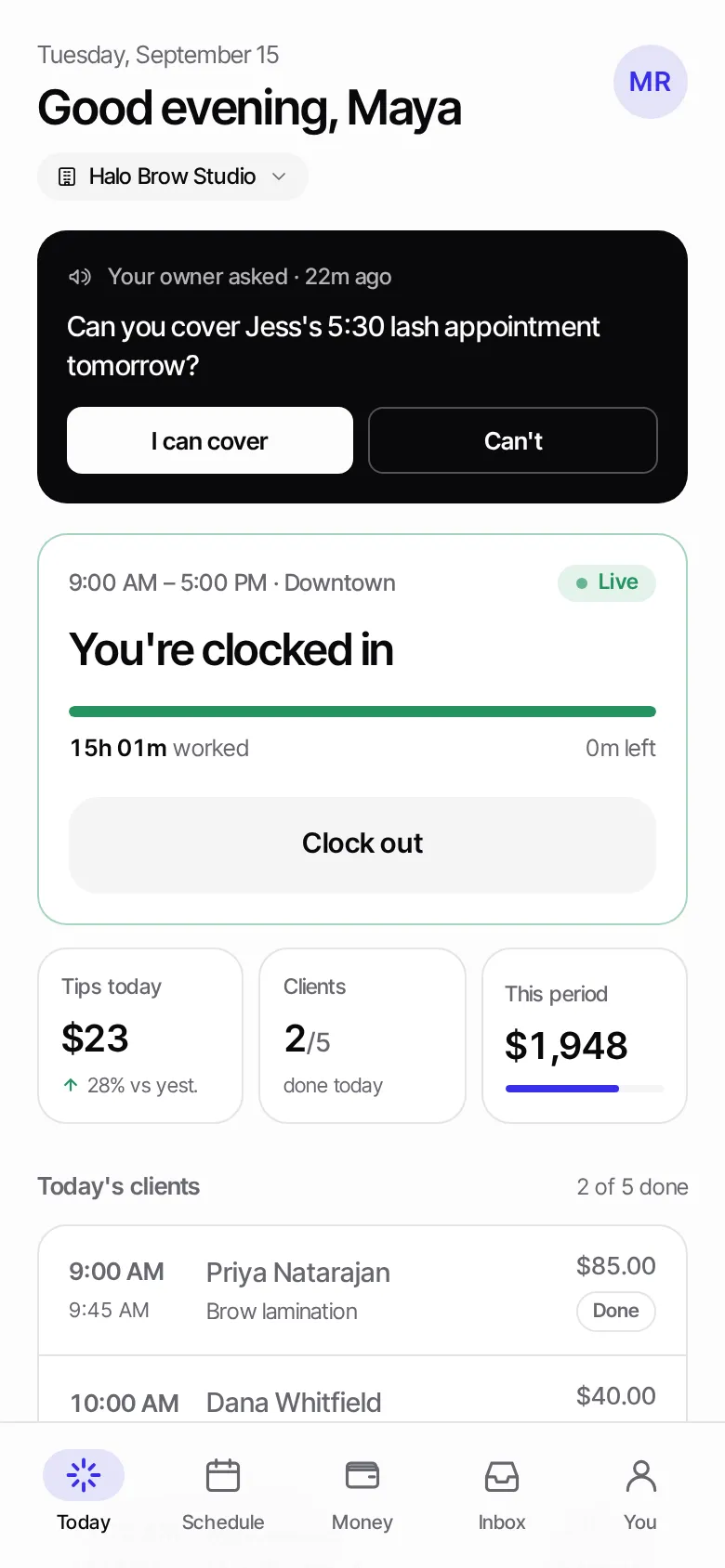
Your team gets their own app on their phone. They see their day, clock in, check their schedule and track their earnings, without access to your dashboard.
How staff sign in
Section titled “How staff sign in”There’s no password. Staff sign in with the email you put on their employee profile.
- Add their Email when you add them (or edit them later).
- Send them to focalpos.com/employee.
- They enter their Work email and press Email me a sign-in link, then tap the link in the email, or type the code.
What’s in the app
Section titled “What’s in the app”| Tab | What they do there |
|---|---|
| Today | Clock in and out, see today’s clients, tips so far |
| Schedule | Their shifts for the week |
| Money | Wages, commission and tips per pay period |
| Inbox | Messages and quick questions from you |
| You | Their profile, employee code and pay terms |